Lesson 2 — Set up Slack
 |
Meet Sara.
|
Introduction
Sara's experience before Slack
In her previous company, there was a lot Sara had to do to get set up. She was tasked to setup her email, calendar, and a handful of other tools. When she was done, however, she realized that she didn't really know where or how to start to get up-to-speed.
How Acme uses Slack
- Acme uses channels inside of Slack to organize conversations around any given topic, making it easy to get up-to-speed.
- All of Acme's tools integrate seamlessly with Slack, making it the one place where work gets done.
Downloading the Slack apps
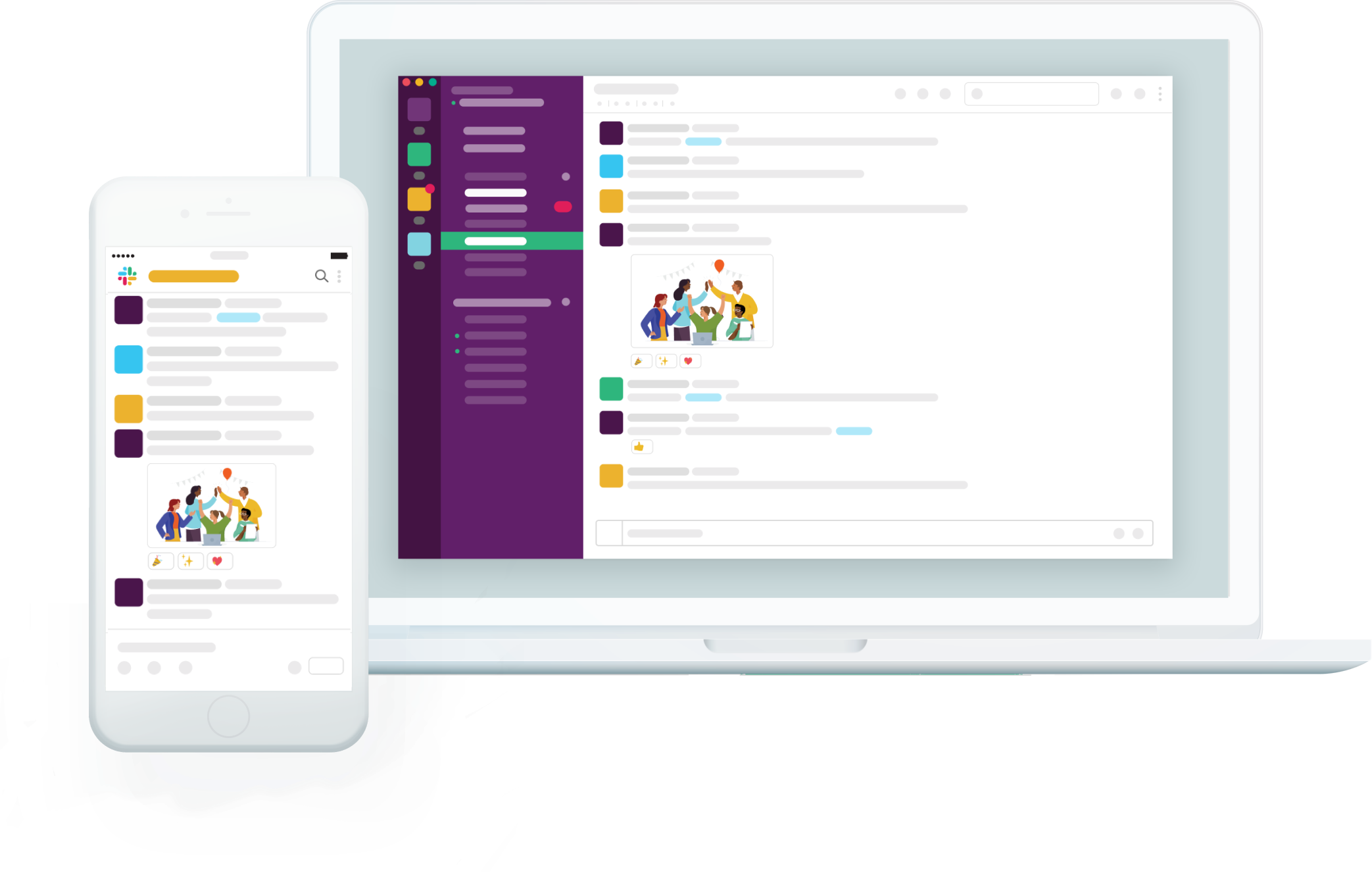 Sara wants to be able to receive notifications and collaborate from any of her devices. She knows that Slack has apps for desktop and mobile that allow you to stay in sync no matter where you go. This is exactly what Sara needs, she just has to visit slack.com/downloads to get set up.
What is a workspace
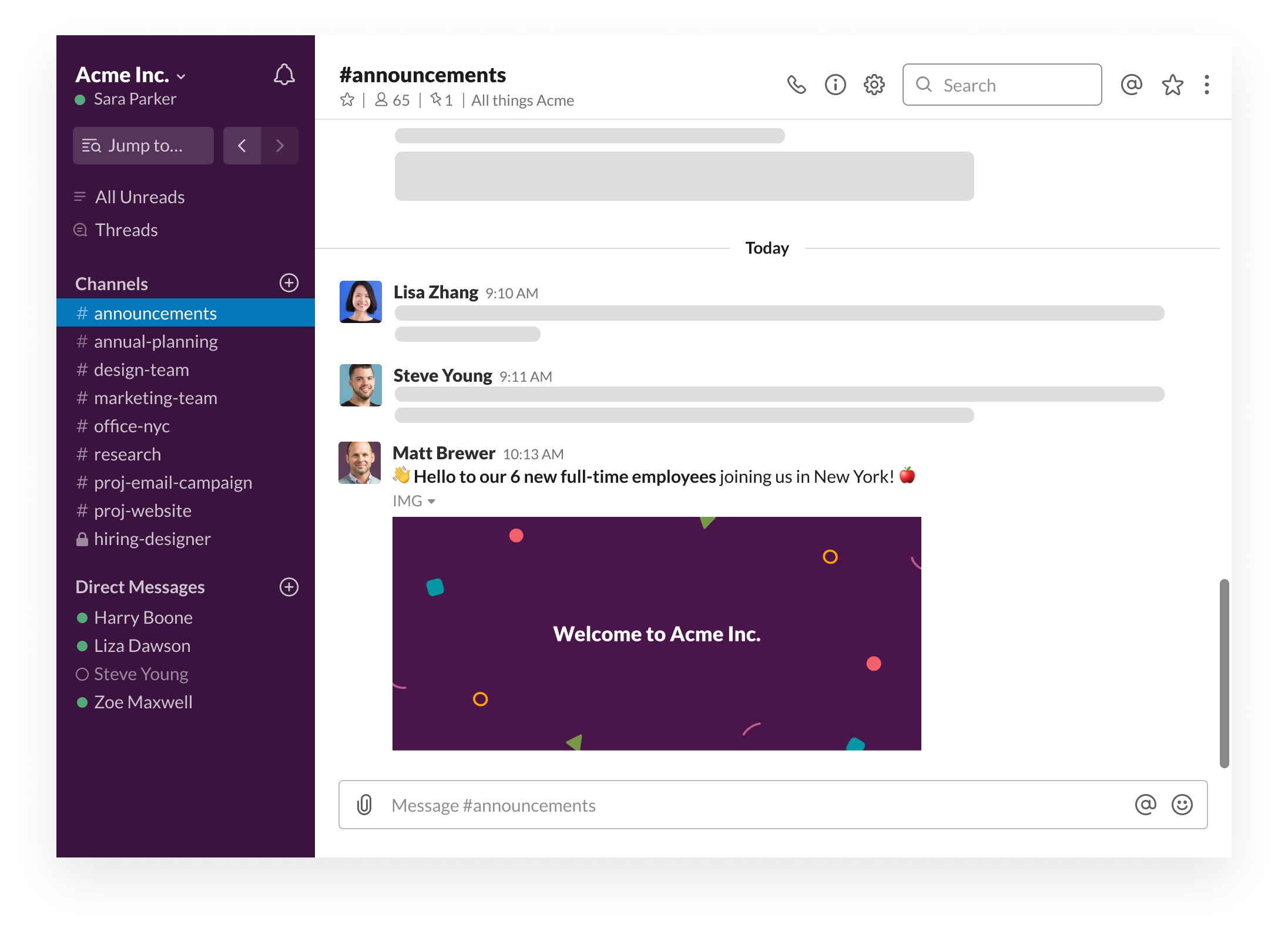
A workspace is your company's shared hub made up of channels, where team members can communicate and work together. Sara knows that if she ever needs to get back to her workspace, she can open up the Slack app, or visit slack.com and click on Your Workspaces on the top of the page.
Setting up your profile
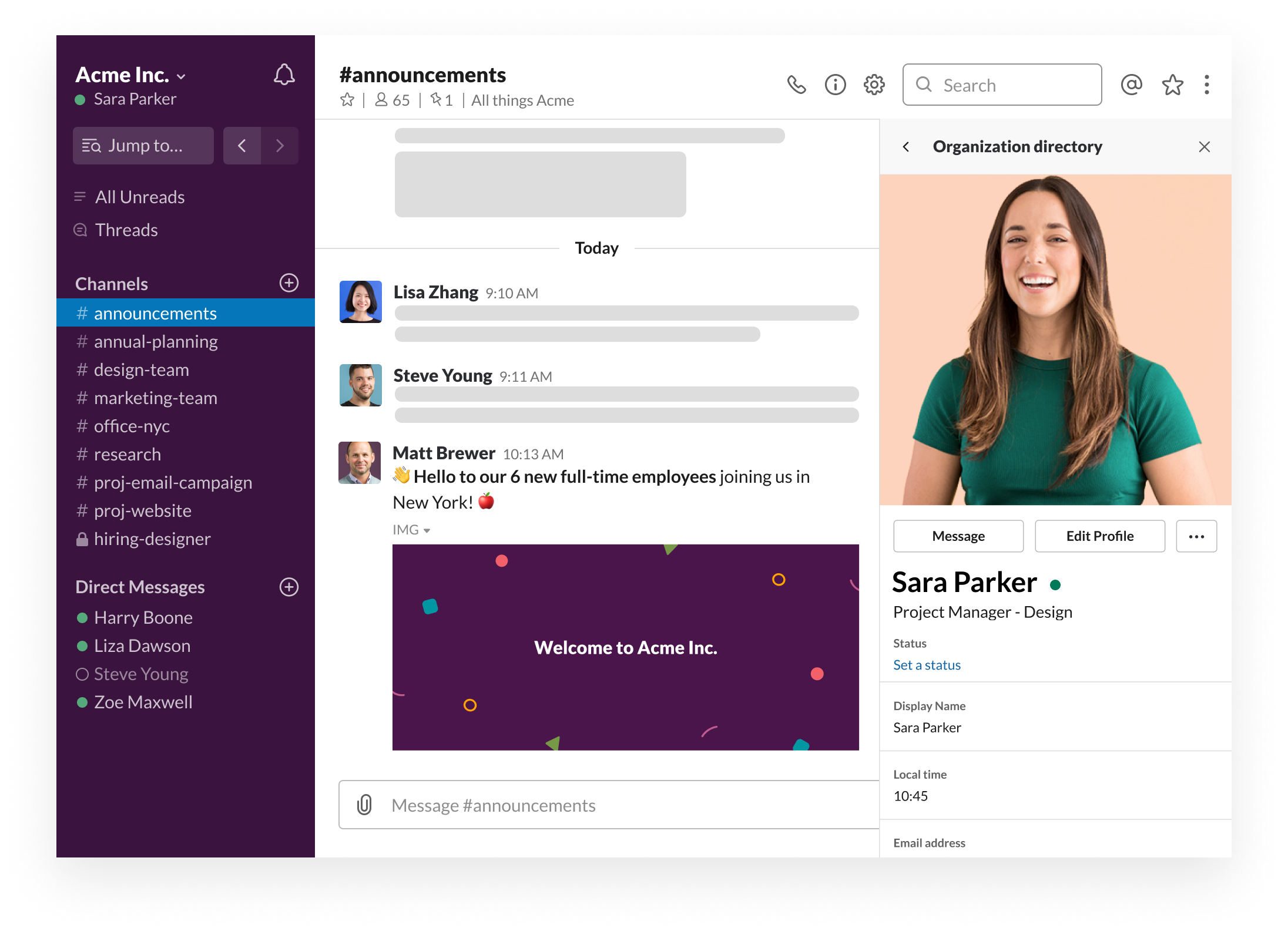
Having an accurate profile will help allow you to work better with your teammates, whether they know you or not. Sara sets up her profile by adding her name, title, and a clear profile picture of herself.
Desktop
iOS
Android
- From your desktop, click your workspace name in the top left.


- Select Profile & account to open your profile.
- Click Edit Profile.
- Edit your profile, then click Save Changes.
- Swipe left to open the right sidebar.
- Tap Edit Profile
- Edit your profile, then tap the close icon at the top left.
Note: It's not currently possible to edit custom profile fields from the Slack iOS app.
- Tap the three dots icon at the top right.
- Tap Settings.
- Tap Edit profile.
- Edit your profile, then tap Save at the top right.
Note: It's not currently possible to edit custom profile fields from the Slack Android app.
Your next steps
💡 Download the Slack app on your device, and join your workspace
💡 Set up your profile inside of Slack
↪️ Ready for the next lesson? Lesson 2.1 - Find and start conversations